Switch Between Kodi and Desktop Sessions

Brooks Computing Systems - Jacksonville
Visit Brooks Computing Systems
Mainframes, Desktops & Web Sites

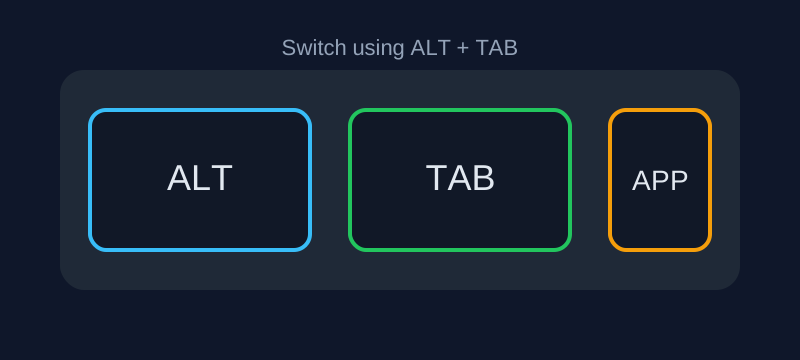
If Kodi is not locking keyboard input, ALT + TAB can switch back to your active desktop session.
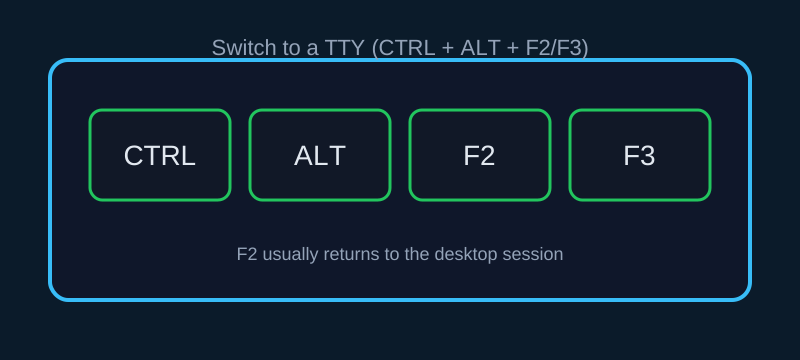
Use:
- CTRL + ALT + F2 → Usually Desktop
- CTRL + ALT + F3 → Terminal
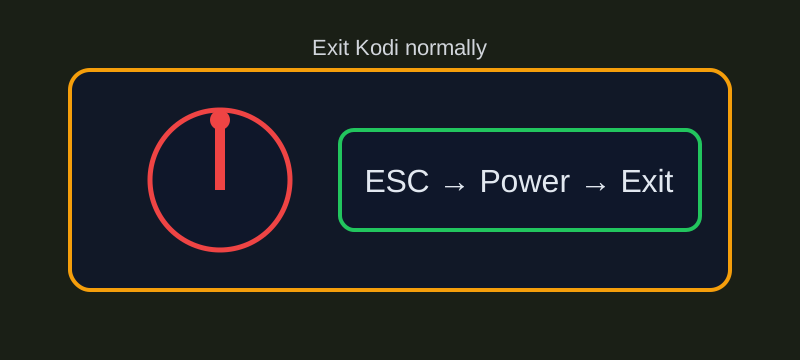
Press ESC → Power → Exit or CTRL + Q.