EndeavourOS EFI Boot Process

Brooks Computing Systems - Jacksonville
Visit Brooks Computing Systems
Mainframes, Desktops & Web Sites

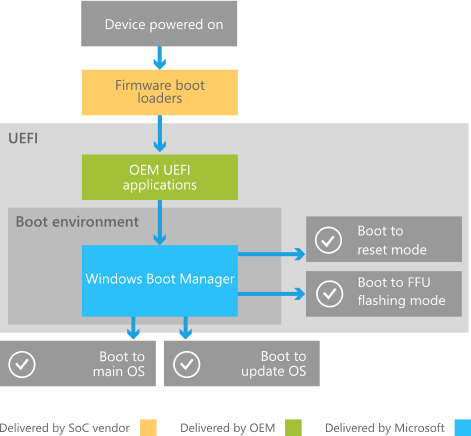
- UEFI initializes CPU, memory, chipset, and devices
- Reads EFI NVRAM boot entries
- Selects a boot entry pointing to an EFI executable
- Loads the executable from the EFI System Partition (ESP)
/EFI/EndeavourOS/grubx64.efi
/EFI/Boot/bootx64.efi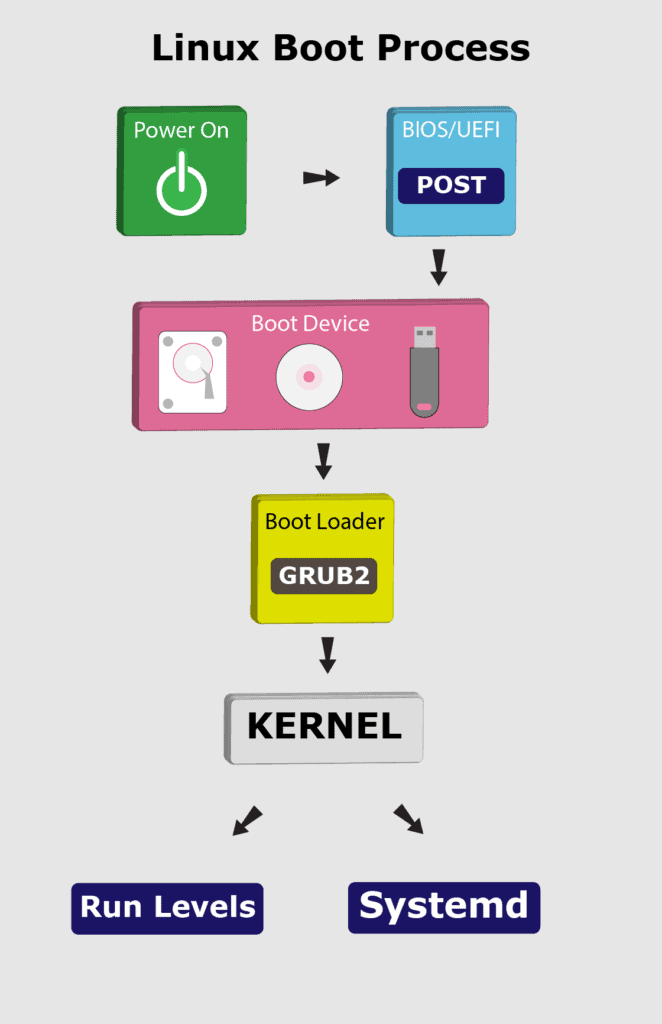
- GRUB EFI binary executes
- Reads
/boot/grub/grub.cfg - Displays boot menu or auto-selects default
- Loads kernel and initramfs into memory
- Passes kernel command-line parameters

/boot/vmlinuz-linux
/boot/initramfs-linux.img- Kernel decompresses and starts execution
- Mounts initramfs as temporary root
- Loads storage, filesystem, GPU drivers
- Unlocks encrypted root if configured
- Switches to real root filesystem
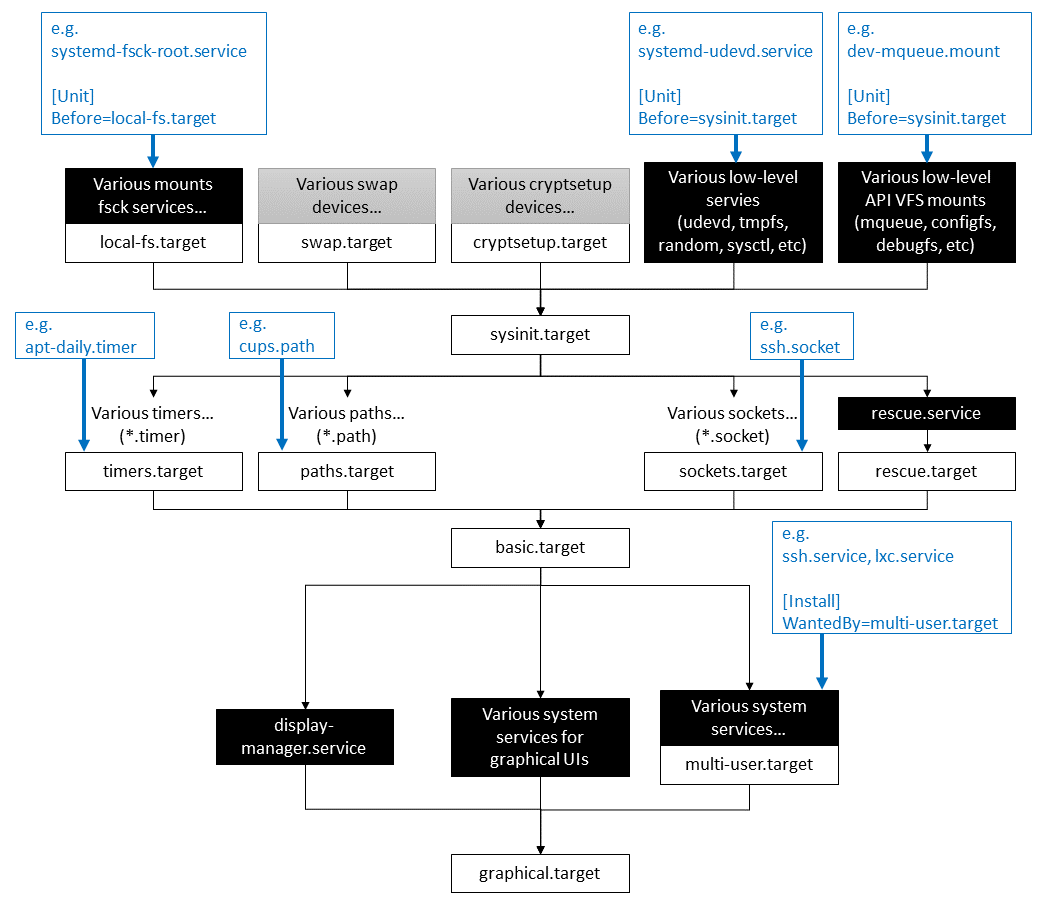
- systemd starts as PID 1
- Mounts remaining filesystems
- Starts udev, networking, and core services
- Executes units in parallel
- Transitions to graphical target
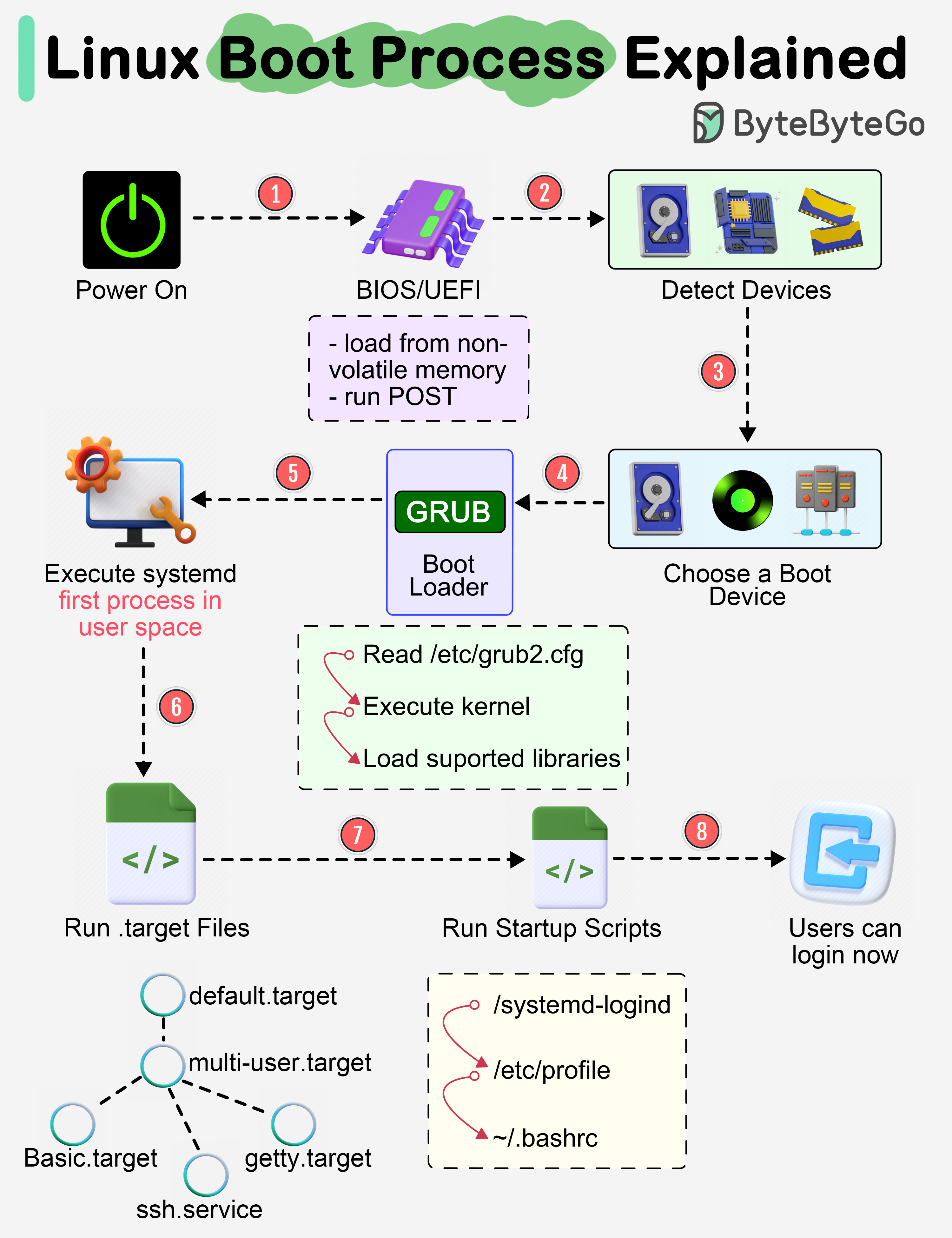
- Display manager (SDDM) starts
- Wayland or Xorg launches
- User authentication occurs
- Desktop environment session starts
ls /sys/firmware/efi
efibootmgr -v
mount | grep efi